

| App Name | 88DD |
|---|---|
| Version | V1.0.7 |
| File Size | 3.4MB |
| Category | Slots Game |
| Developer | https://88dd-game.pk/ |
| Requirements | Android/iOS |
88DD Game iOS gives iPhone and iPad users a convenient way to access the 88DD gaming platform without installing an Android APK. Since iPhones do not support APK files, iOS users can use the supported website through Safari when browser access is available.
The process is simple and works directly from an iPhone or iPad. Users can open the 88DD website, log in or create an account, and add the website to their Home Screen for quicker access.
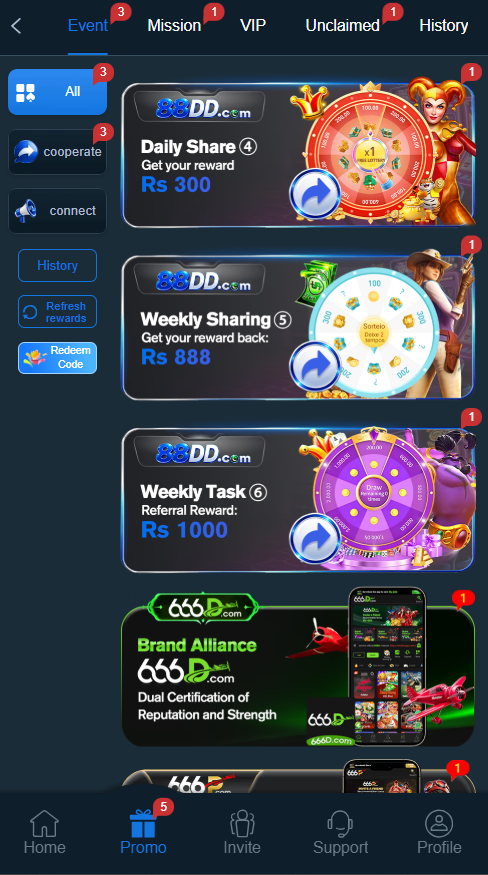
How to Use 88DD Game on iPhone?
Using 88DD Game on iPhone does not require an Android APK. Follow these steps:
- Open Safari on your iPhone.
- Visit the correct 88DD website.
- Allow the page to load completely.
- Open the Login or Register section.
- Enter your account details.
- Start using the available mobile features.
The exact options can vary depending on the current version of the platform and its web access.
How to Add 88DD Game to iPhone Home Screen
If you use 88DD regularly, you can create a Home Screen shortcut that makes the website easier to open.
- Open the 88DD website in Safari.
- Tap the Share button.
- Select Add to Home Screen.
- Check the shortcut name.
- Tap Add.
- Open the new icon from your iPhone Home Screen.
This creates a shortcut to the website; it does not install an Android APK or an unofficial iOS application.
88DD Game iOS Login
After opening 88DD through Safari, select Login and enter the details connected to your account. Always make sure you are using the correct website before entering your password or verification code.
If login fails, check your internet connection and account details. Avoid entering your password or OTP into links received from unknown social media accounts or messages.
88DD Game iOS Features
The mobile version can provide access to the platform’s available games and account functions through an iPhone-friendly interface. Depending on the current setup, users may find:
- Mobile gaming access
- Account login and registration
- Game categories
- Wallet features
- Account history
- Mobile-friendly navigation
- Home Screen shortcut access
Features can change, so the current platform should always be checked for the latest information.
Is 88DD Game Available for iPhone?
Yes, 88DD Game can be accessed on iPhone when its supported mobile website is available. However, iPhone users should understand the difference between an iOS application and browser access.
An APK is designed for Android, so it should not be downloaded or installed on an iPhone. If 88DD does not provide a legitimate App Store application, Safari web access is the more appropriate option.
Is 88DD Game Available for iPhone?
Before using any online gaming website on an iPhone, check the website address carefully. Avoid unknown configuration profiles, unofficial installation certificates, and suspicious download pages.
Never share your password, OTP, PIN, or Apple ID credentials with another person. Also, remember that real-money gaming can involve financial losses, so users should understand the rules and risks before depositing money.
88DD iOS FAQs
Can I download 88DD APK on iPhone?
No. APK files are designed for Android. iPhone users should use the supported iOS or browser-based access method.
How can I use 88DD on iPhone?
Open the supported 88DD website in Safari, log in or register, and use the available mobile interface.
Can I add 88DD to my iPhone Home Screen?
Yes. Safari includes an Add to Home Screen option for supported websites.
Does 88DD work on iPad?
It may work through supported browser access. The experience depends on the current website and your iPad’s software.
Do I need an Android APK for 88DD iOS?
No. An Android APK is not compatible with iOS. Use the supported iPhone access method instead.
Final Words
88DD Game iOS provides iPhone and iPad users with a simple way to access the platform through supported mobile web access. Instead of searching for an Android APK, iPhone users can open the service in Safari and, where supported, add it directly to the Home Screen.
For a safer experience, always verify the website address, avoid unofficial installation profiles, protect your account information, and check the current platform terms before using any real-money features.